Get SWRight on the Mac App Store.
One full version for macOS 13 Ventura or later, on Apple silicon and Intel Macs.
- The full SWRight app for macOS
- Reads and writes your MMANA .maa files
- Six interface languages, with a built-in user guide
- No account, no ads, no network
- Updates through the Mac App Store
Moving from MMANA.
- 1Get SWRight from the Mac App Store.
- 2Open the .maa files you already have.
- 3Compare the numbers with your old results.
Mac today. Your other screens next.
macOS
Available now
On the Mac App Store.
iPhone and iPad
Coming next
The port is ready.
Android
In development
Being prepared.
There is no Windows version planned. Windows already has mature antenna software, and SWRight is for people who left it.
iPhone and iPad are coming soon.
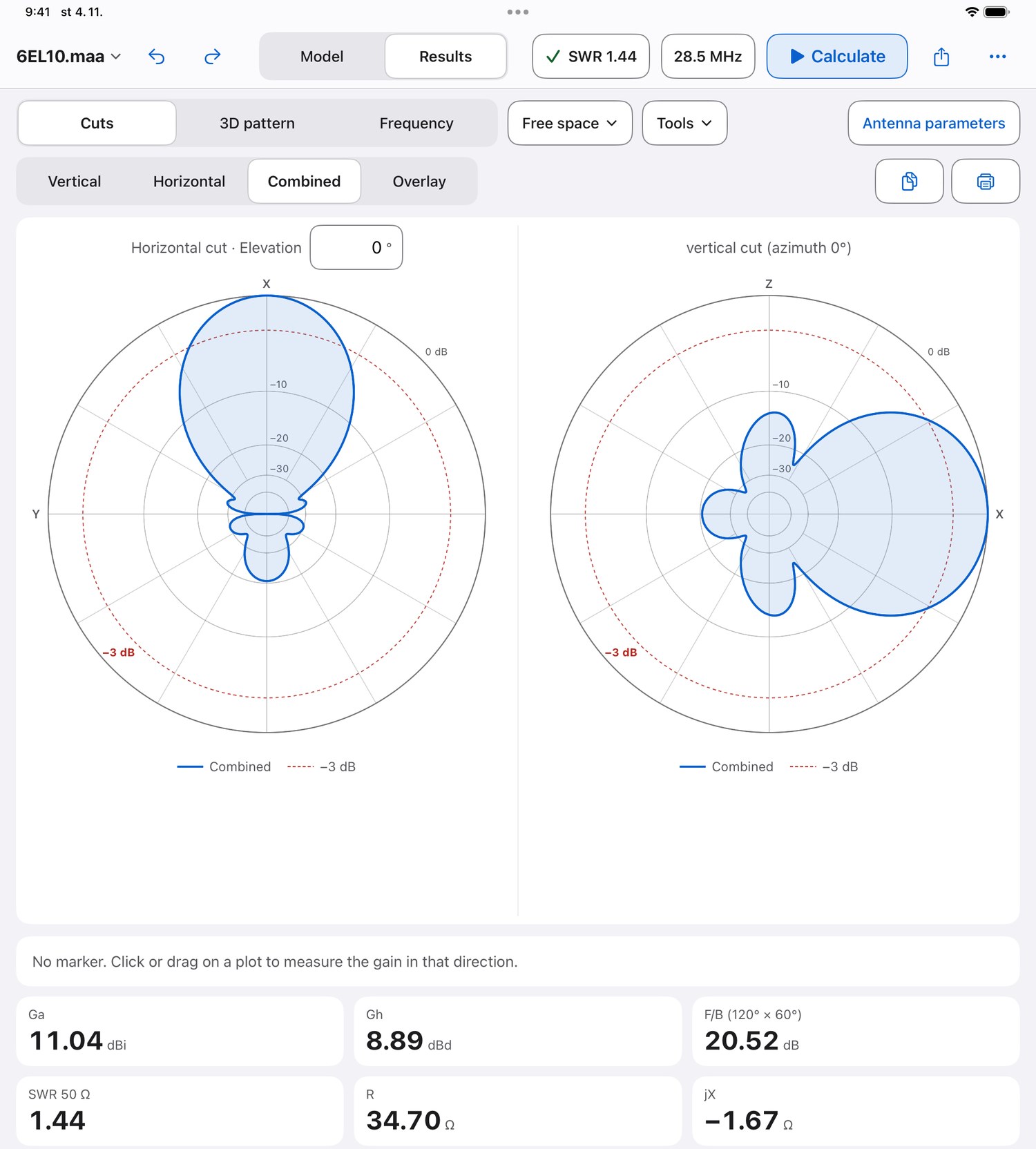
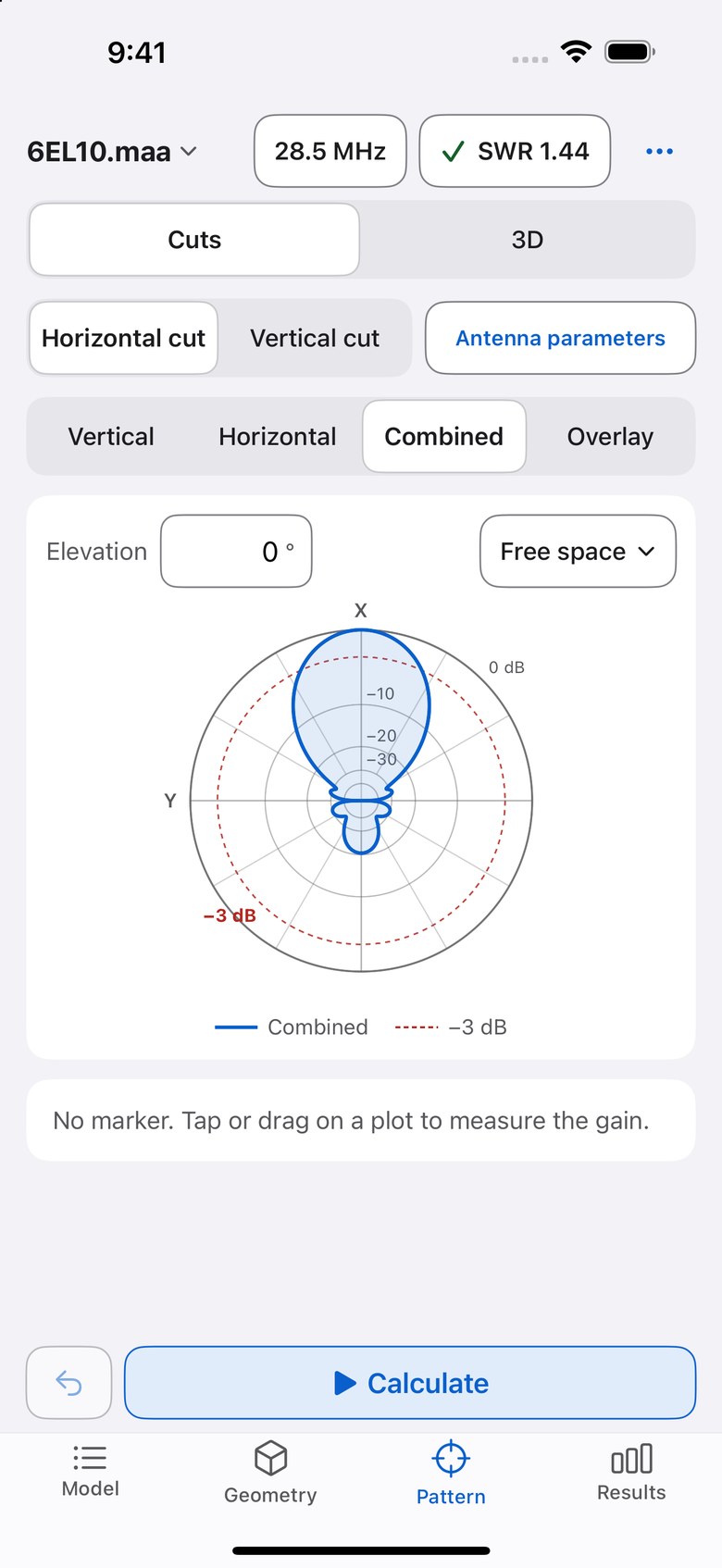
The same calculation and the same MMANA files, in a layout made for touch. The screenshots show the current builds in the Apple simulator, so the final look can differ slightly.
Questions before you buy?
Read the answers on the support page, or write to us.
Go to support