Leave the virtual machine behind.
Install SWRight, open your antenna, and read the same kind of numbers you got on Windows.
The numbers you trusted in MMANA, now on your Mac.
SWRight calculates antenna parameters the way MMANA does. We ran 722 antennas through both programs and compared what came out. Each dot on the chart is one of them.
Each dot is one antenna: feed-point resistance, 721 of the 722 models, MMANA 3.5 against SWRight.
- 1Take 722 antenna models.
- 2Calculate each one in MMANA on Windows and in SWRight on the Mac.
- 3Compare the results, antenna by antenna.
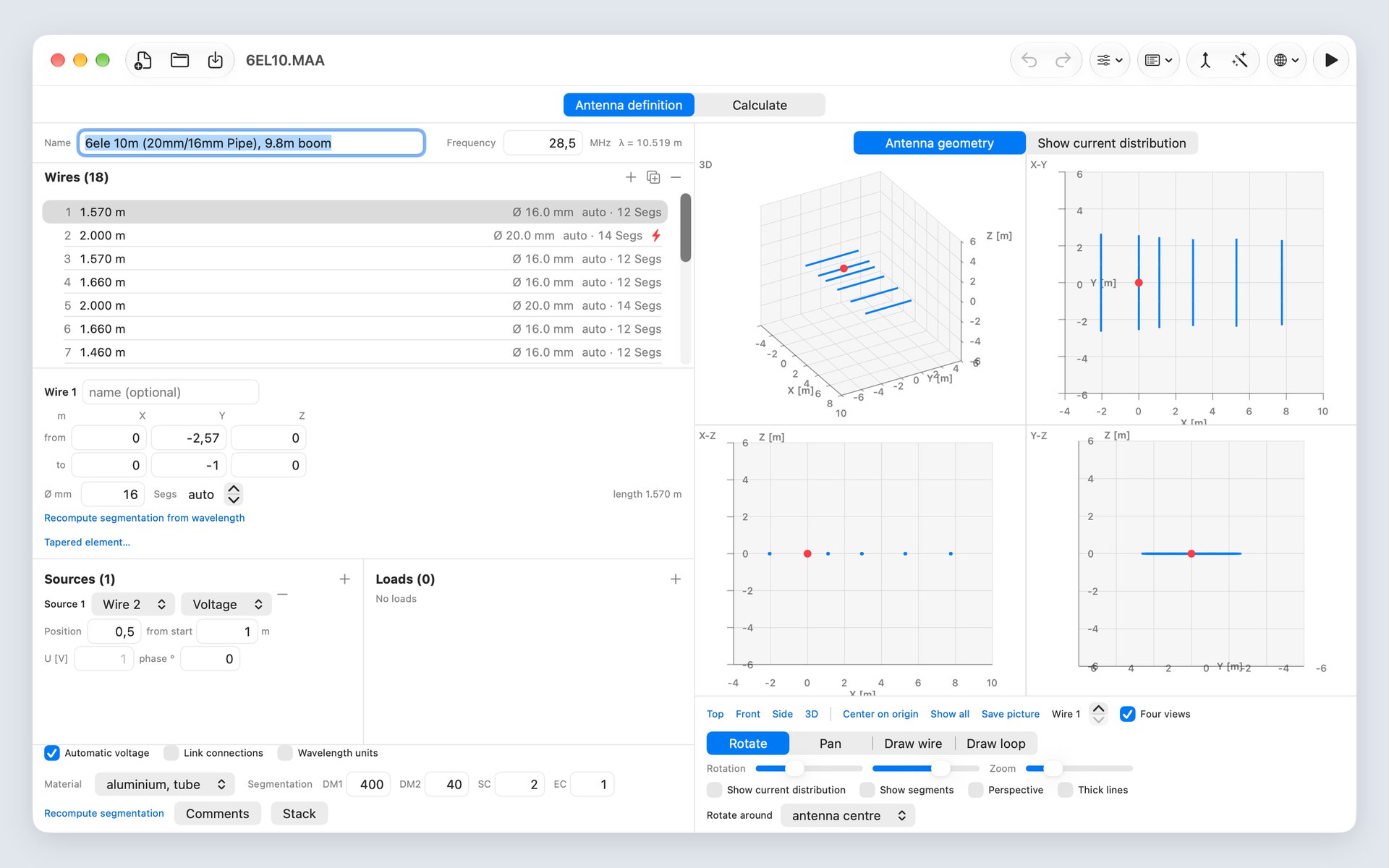
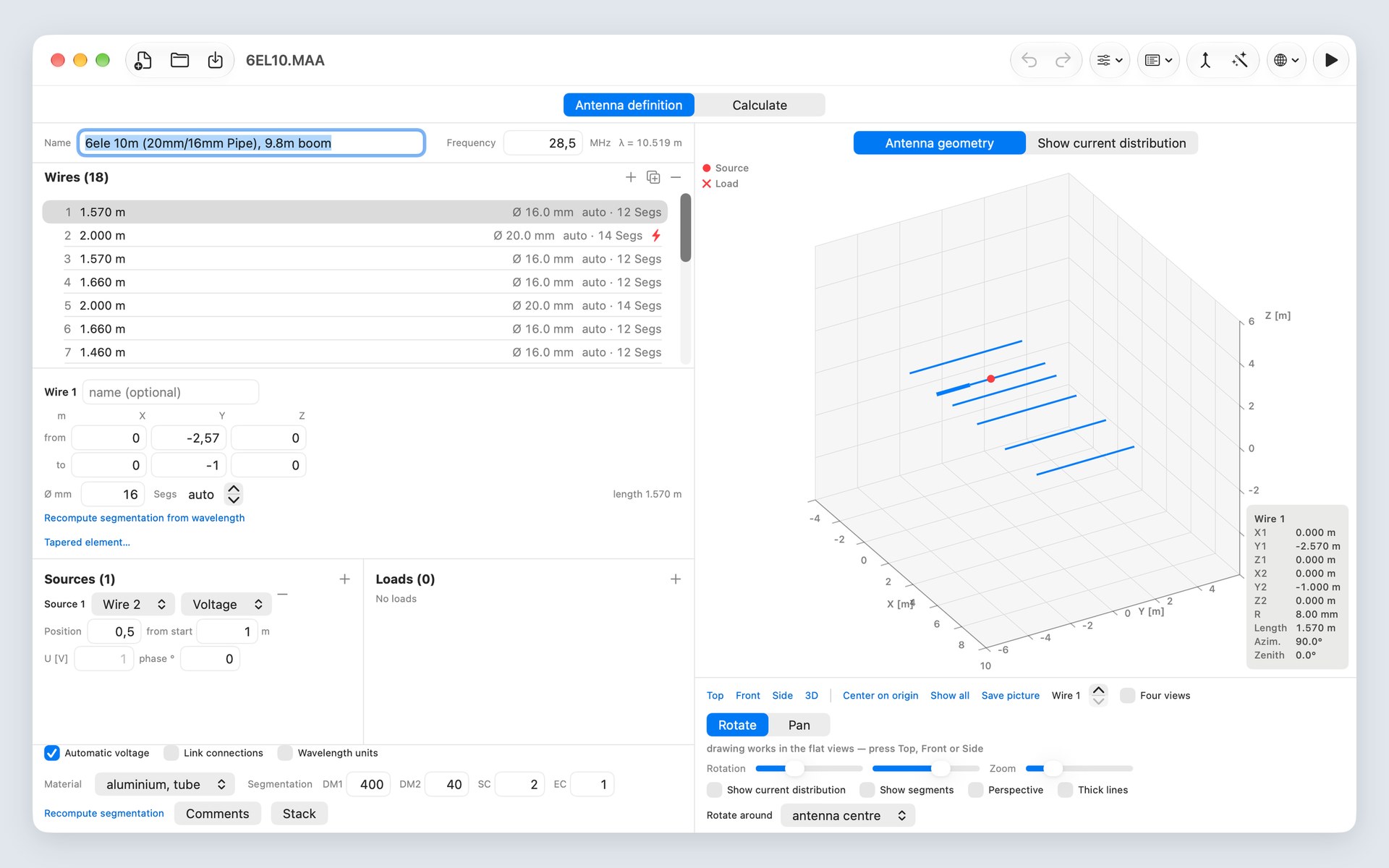
Draw the antenna you want to build.
Describe your antenna element by element and work with a real model, not a length from a formula.
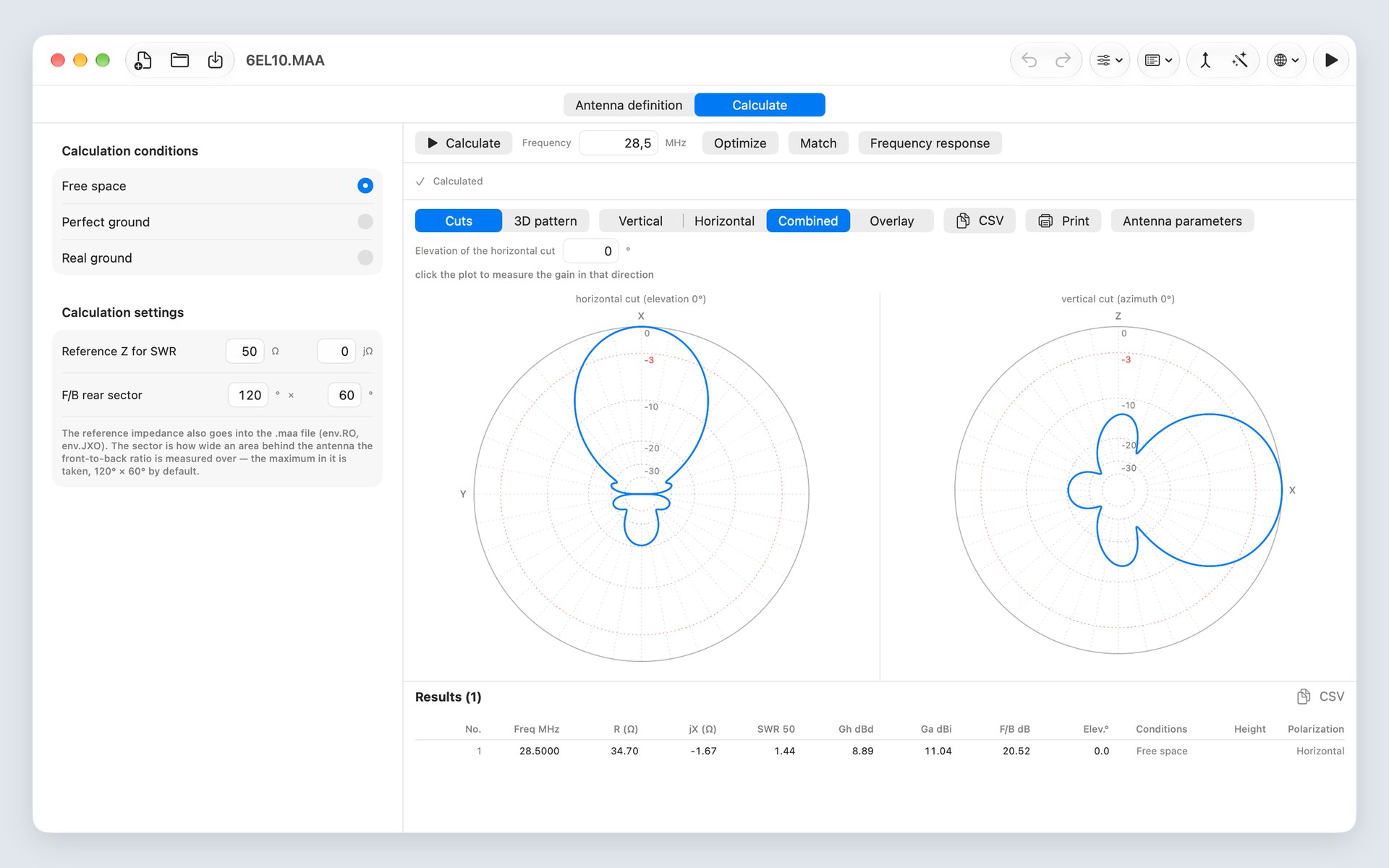
Read the numbers you care about.
SWR, impedance, gain, front-to-back ratio and radiation pattern, calculated on the same principle as MMANA.
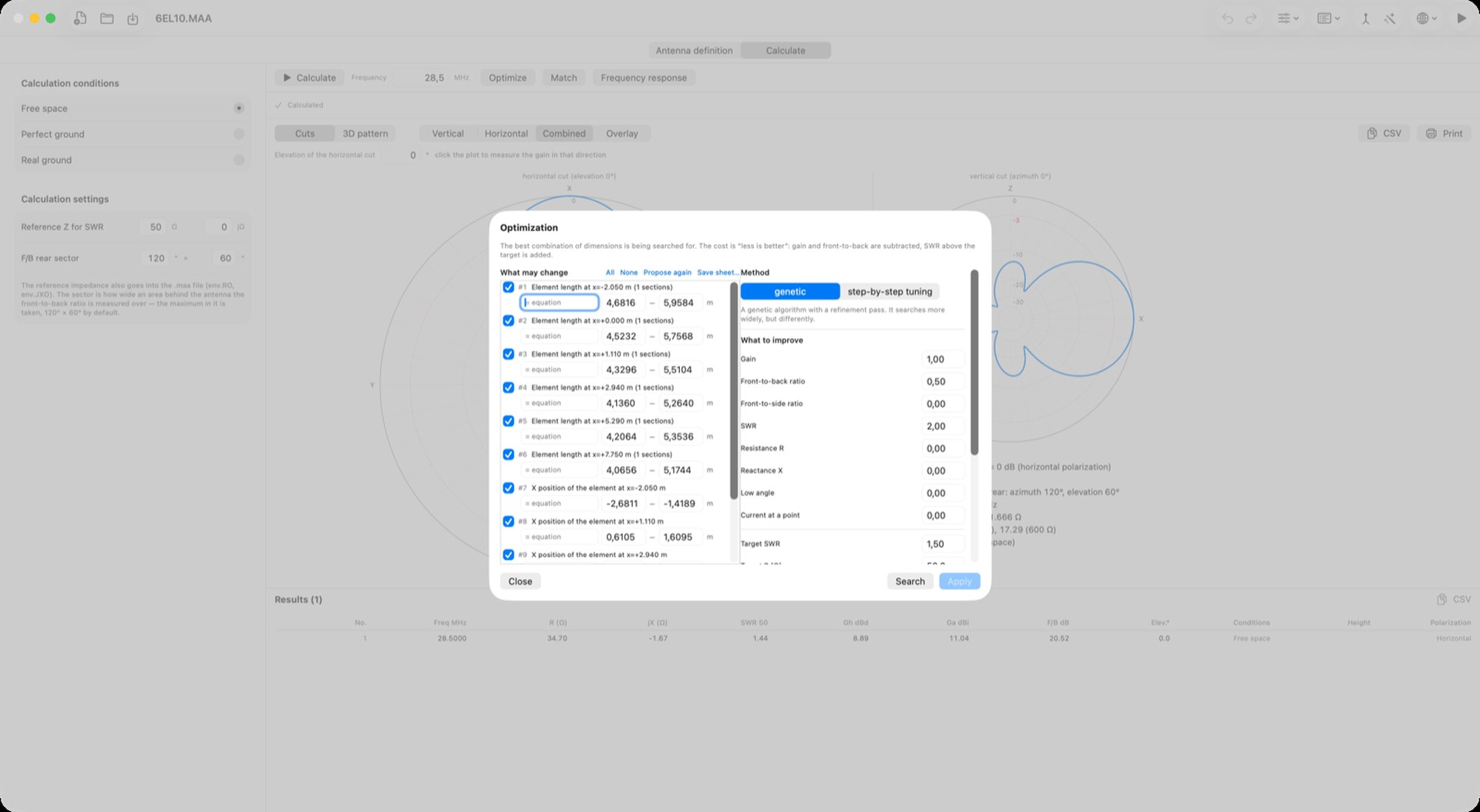
Tune it on screen before you cut any wire.
Optimize the dimensions toward the match and gain you want, and keep the best version of the design.
Made by a contest operator who wanted this for himself.
SWRight comes from Tomas (OK1XOE, OK1K). He wanted serious antenna modeling on a Mac, without running Windows next to it.
Mac today. Your other screens next.
On the Mac App Store.
The port is ready.
Being prepared.
There is no Windows version planned. Windows already has mature antenna software, and SWRight is for people who left it.
iPhone and iPad are coming soon.
The same calculation and the same MMANA files, in a layout made for touch. The screenshots show the current builds in the Apple simulator, so the final look can differ slightly.
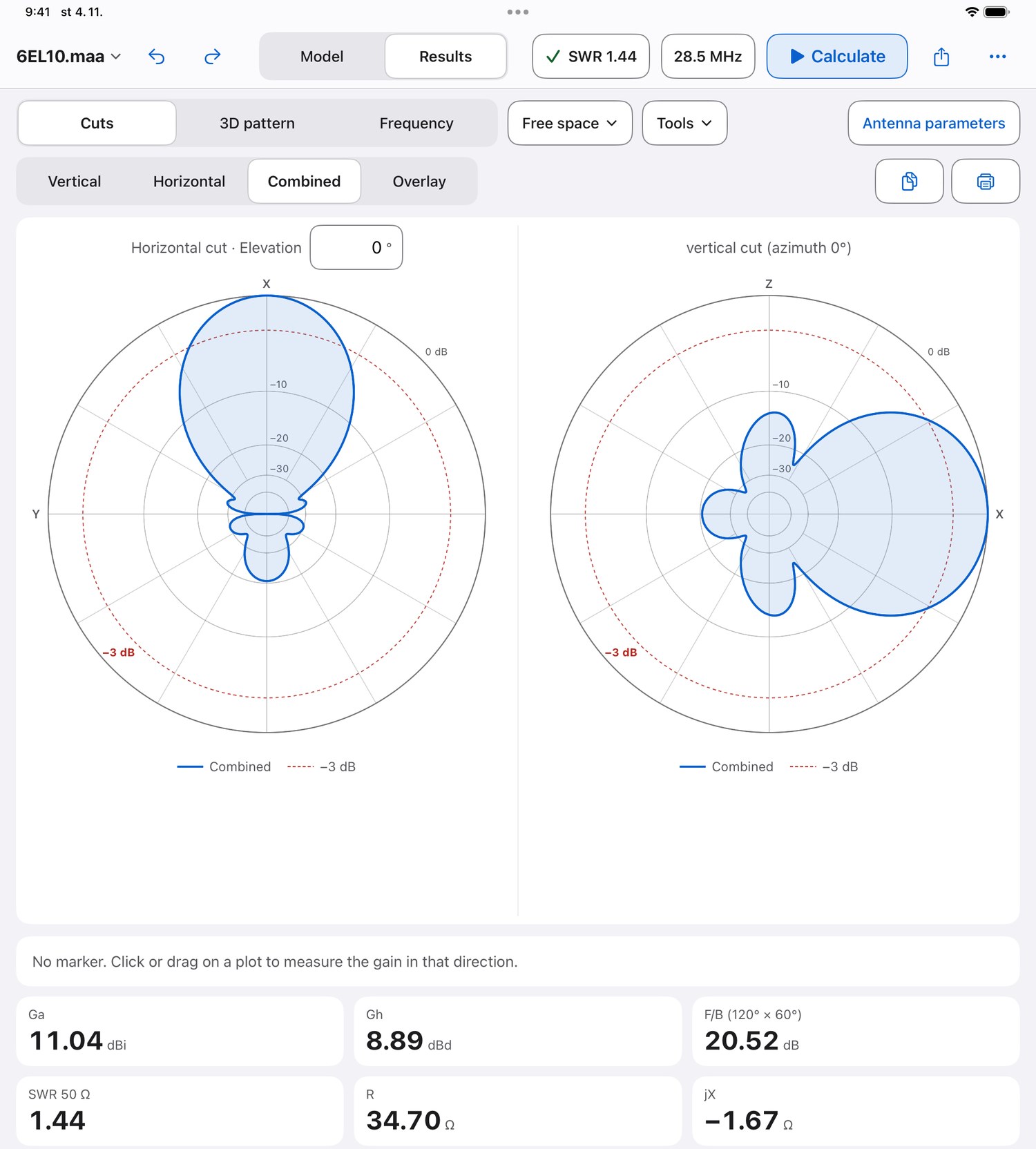
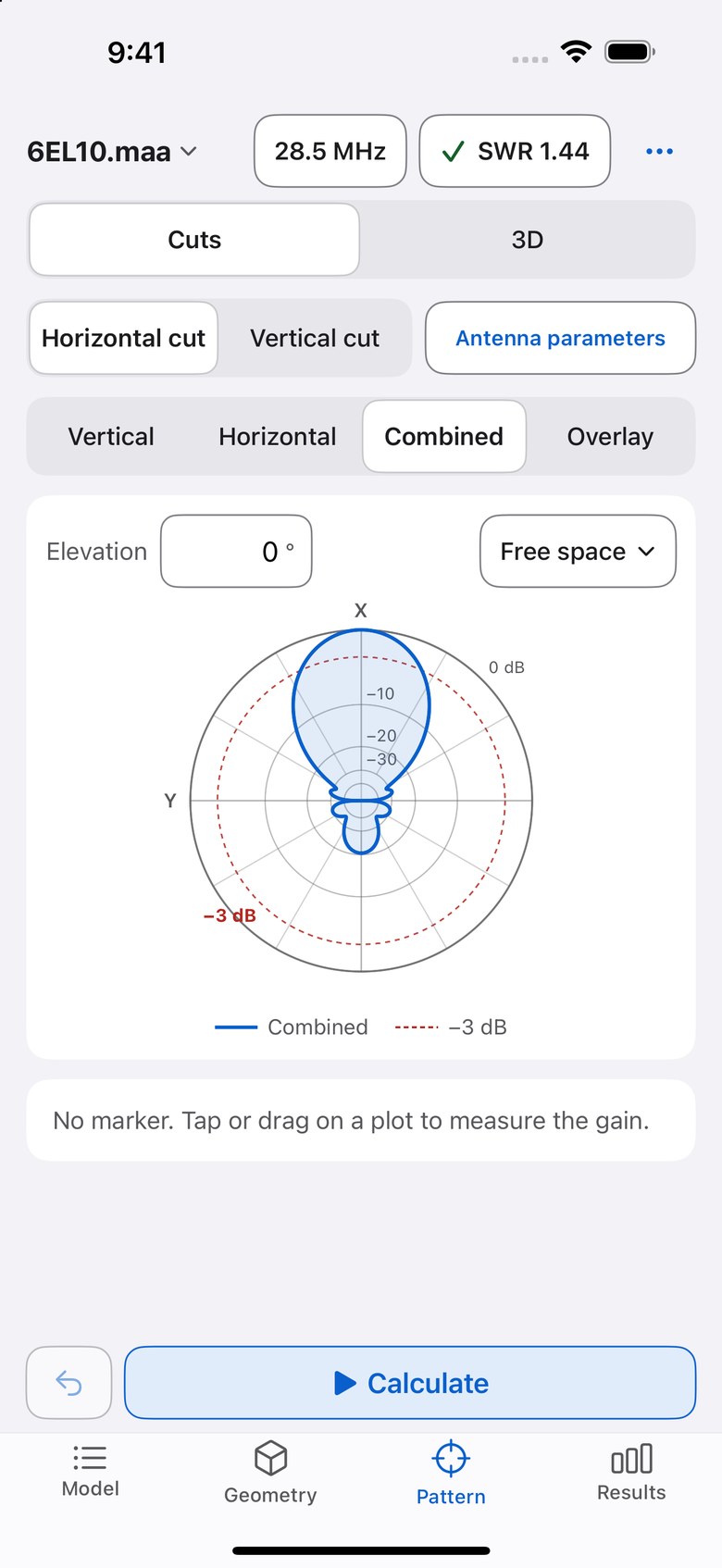
Try your own antennas in SWRight.
Open your MMANA files, run the same antenna in both programs and compare the numbers. SWRight is on the Mac App Store.
Open the Mac App StoreQuestions
Is SWRight the same as MMANA?
It is a separate program, built on the same calculation principle. We calculated 722 antennas in both and the results agree closely, so a design you check on the Mac gives you the answer you would have had on Windows.
Do I need Windows, Parallels or an emulator?
No. SWRight is a native macOS app. Install it from the Mac App Store and open it like any other Mac app.
Will there be an iPad, iPhone or Android version?
The iPhone and iPad port is ready, and an Android version is in preparation. The Mac version is available now.
Is there a Windows version?
Not planned. Windows users already have mature antenna software. SWRight is for people on a Mac who want the same quality without a Windows layer.
What does it cost?
The price is shown on the Mac App Store listing. There is one full version, with no Lite or Pro split.