What SWRight does.
Describe a wire model and SWRight solves the currents with the method of moments, then shows how the antenna will behave. Everything runs on your Mac.
Model
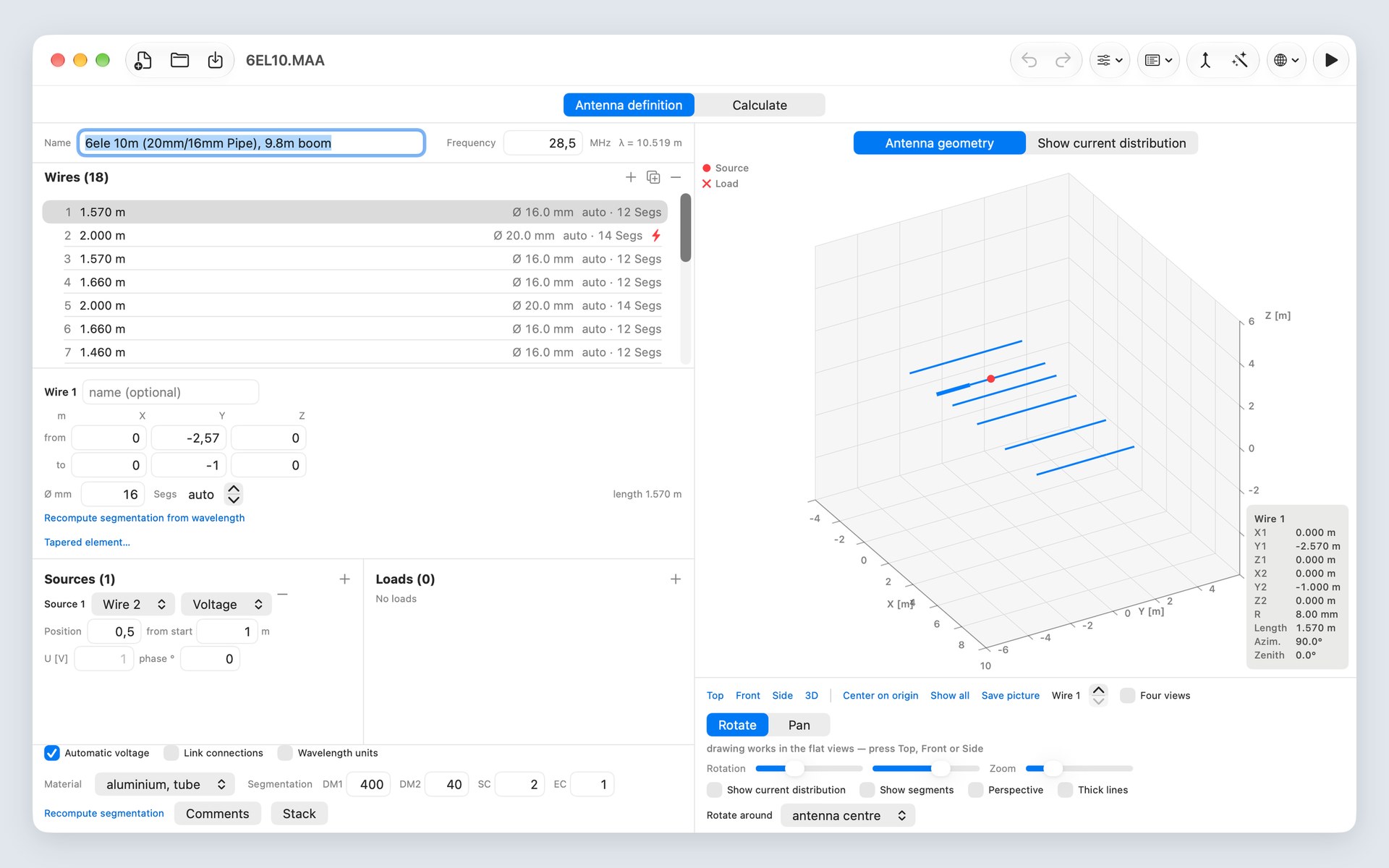
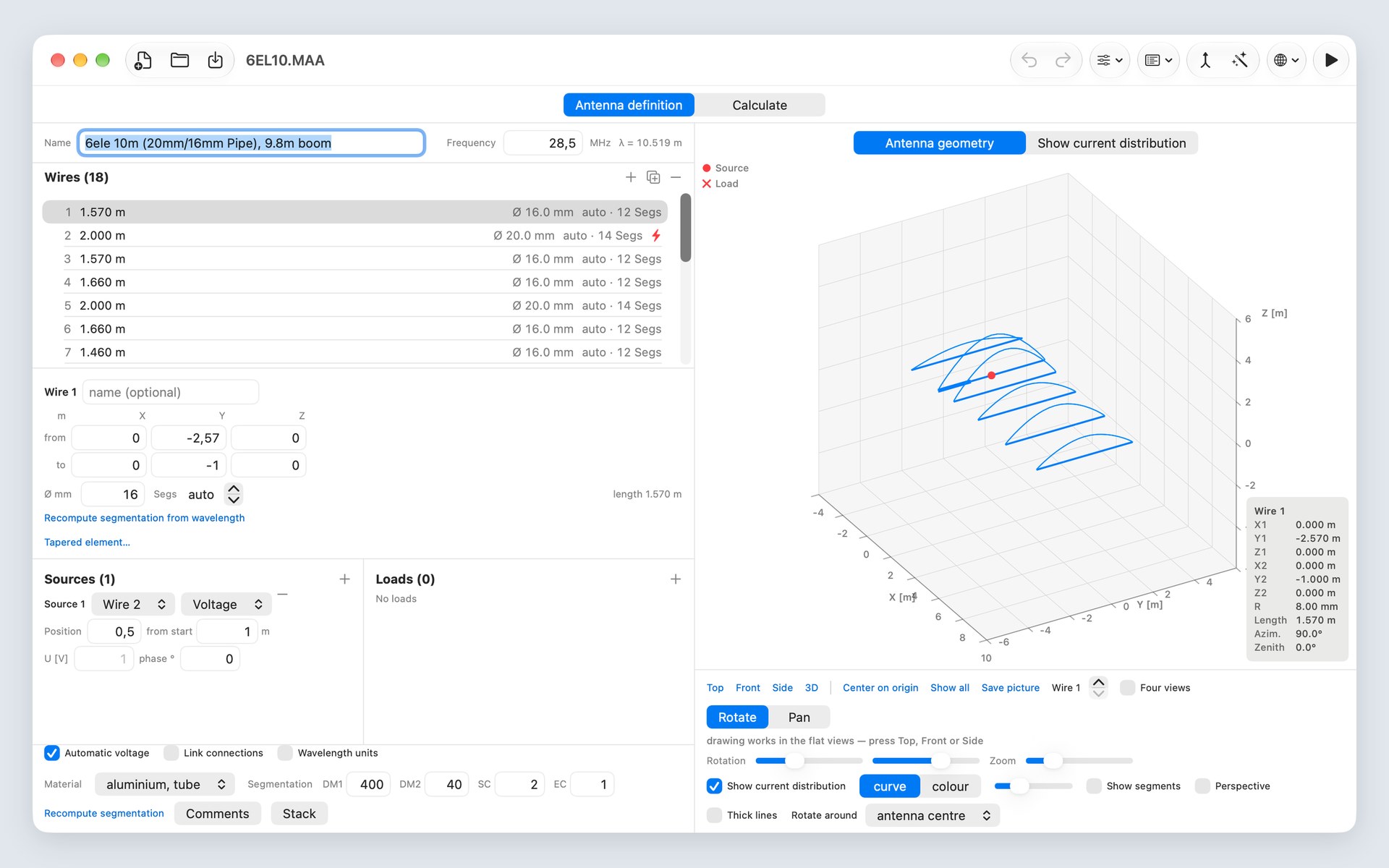
Build the antenna as wires, sources and loads, and see it from four views.
- Sources, loads and a ground model, with formulas in every numeric field
- Transmission lines as part of the model
- Free space, perfect or real ground with two soil zones, and automatic segmentation
- Hairpin match and balun
Analyze
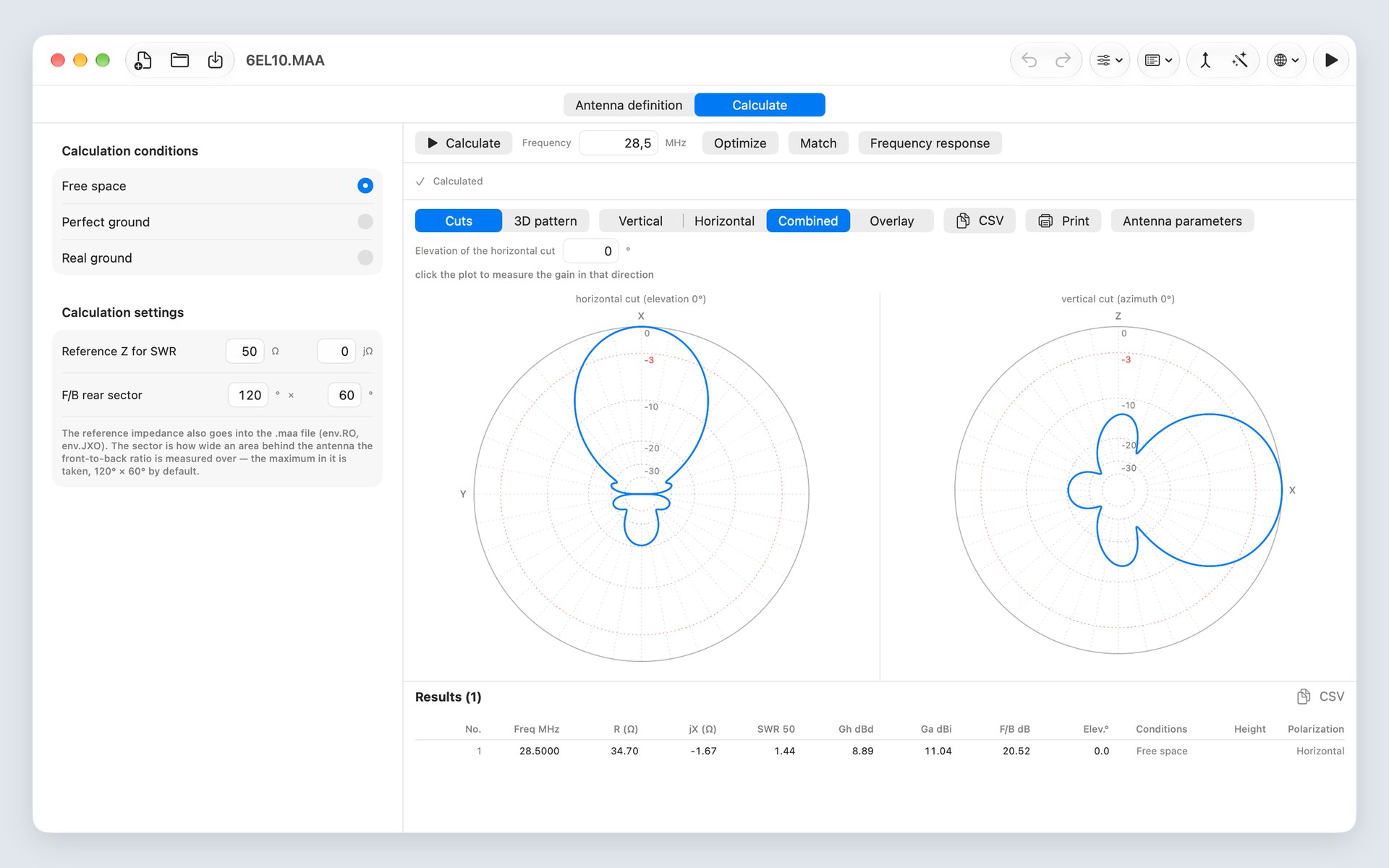
See how the antenna will behave before you build it.
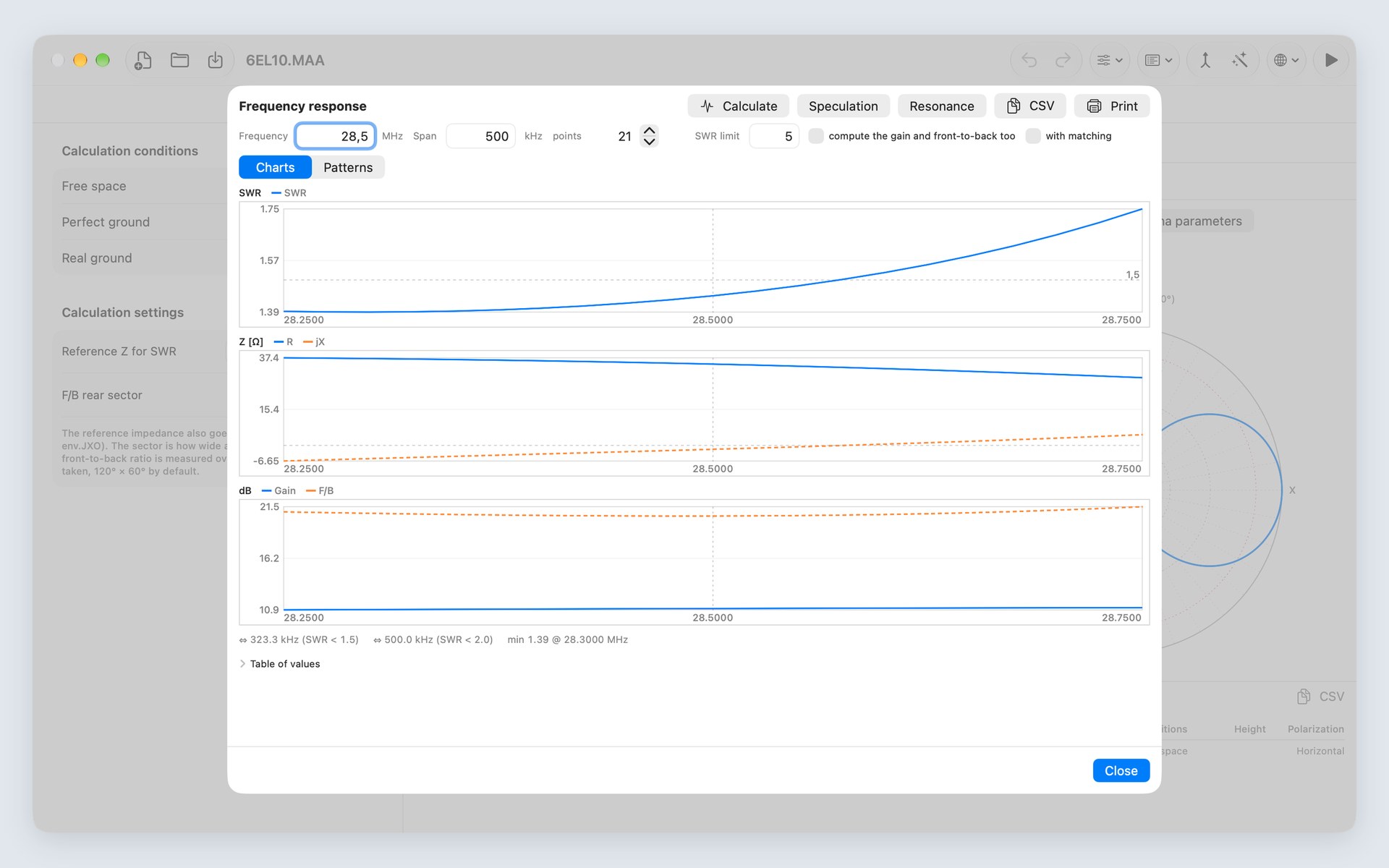
- Impedance, SWR, gain and front-to-back ratio at one frequency or swept across a band
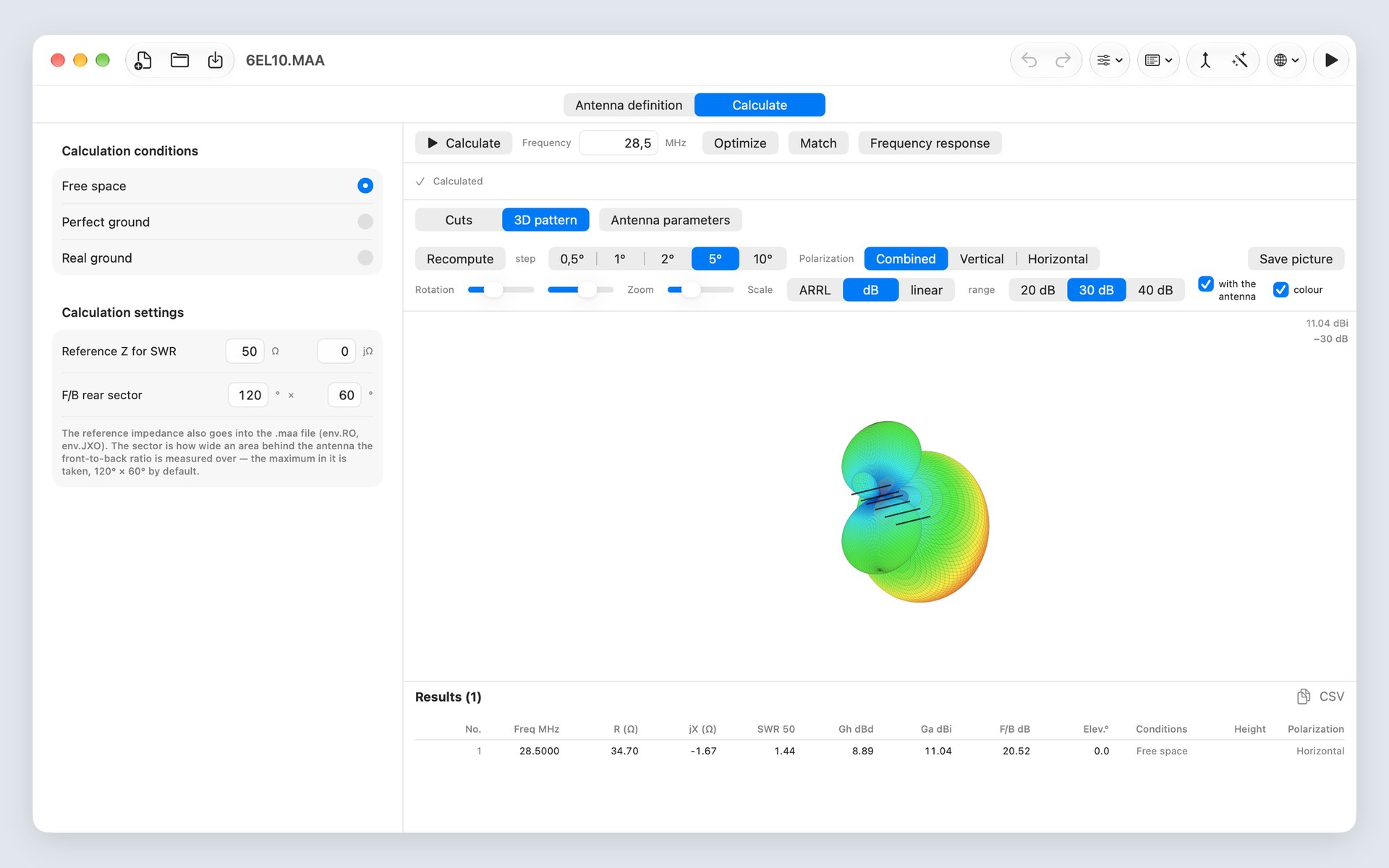
- Radiation pattern in cuts and in 3D, with polarization and ground
- Current distribution on the wires
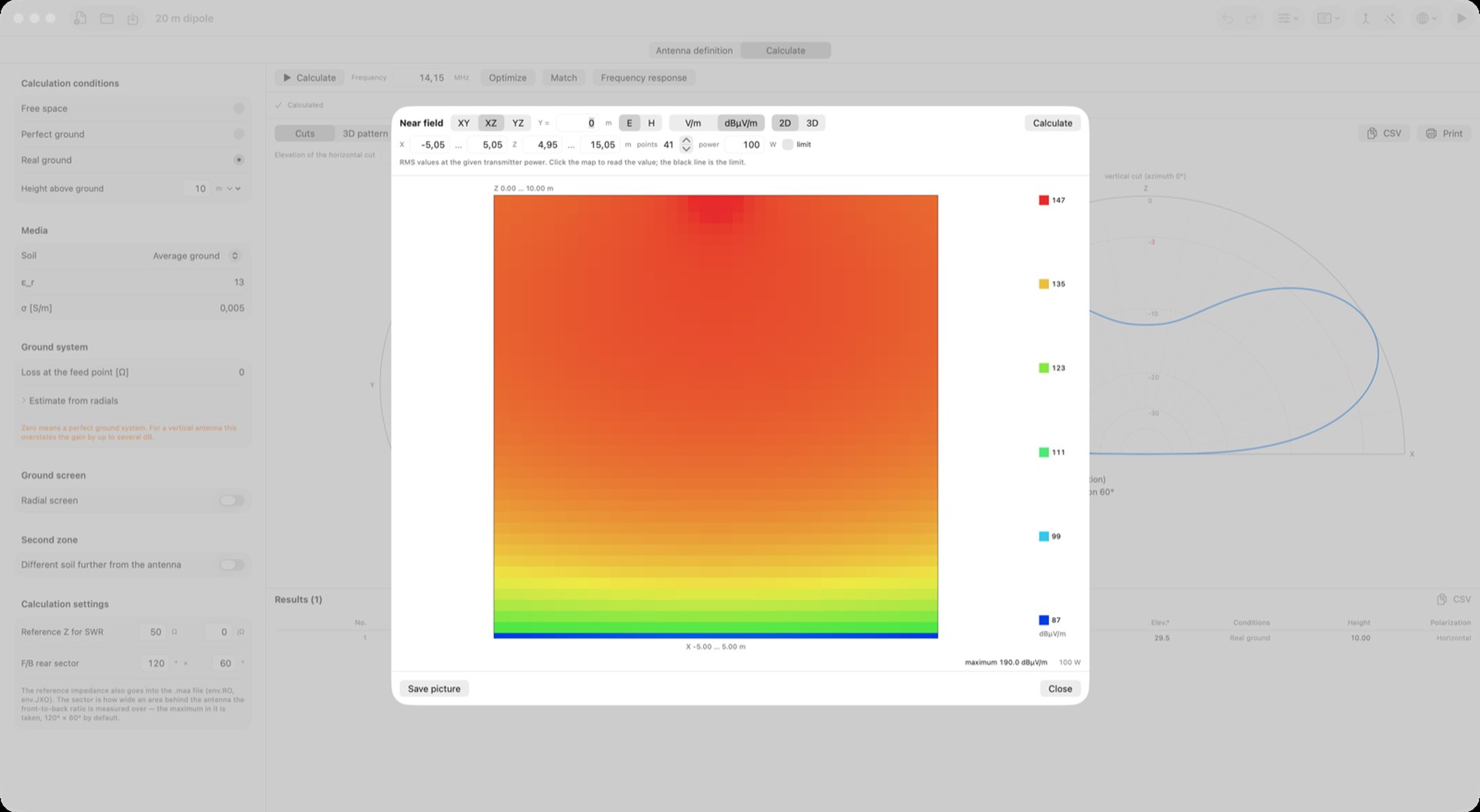
- Near field in 2D and as a 3D relief
- Compare up to eight results, with the differences between them
Optimize
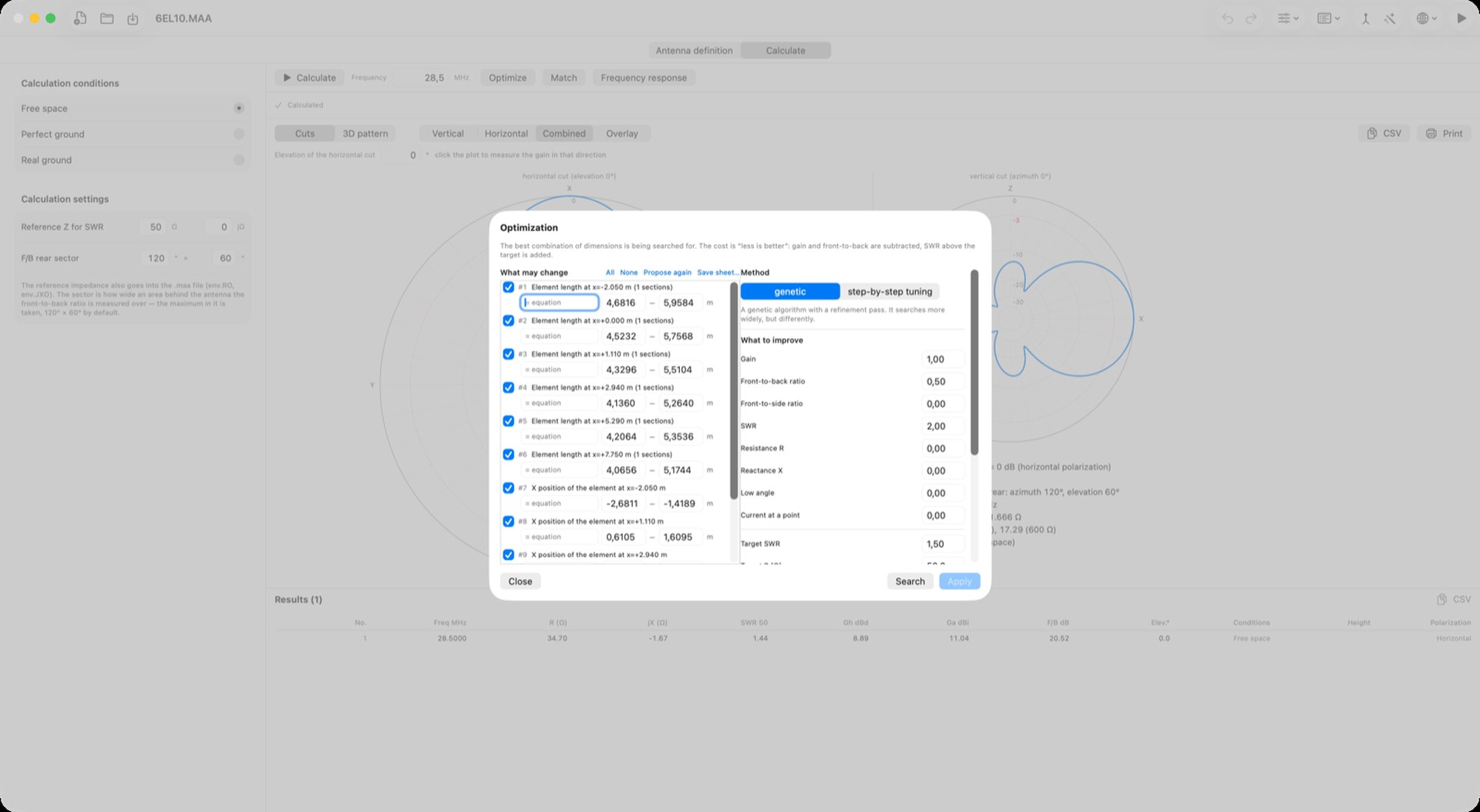
Let SWRight search for the dimensions that reach your goal.
- Gain, front-to-back, SWR, R, X, low angle and current at a point as goals
- Goals, variables and bands you choose
- Stop at any moment and keep the best result
- Genetic search or step-by-step tuning, as in MMANA
- Reads and saves .mao optimization sheets
More of what you see.
Match, calculate and share.
Match
- Six match types, including line and stub matching
- Errors shown when a match cannot be reached
Calculate
- Resonant circuit
- LC matching
- Single-layer coil
Share
- Report as text
- Results as CSV
- Pictures from the 3D and geometry views
Bring your antennas along.
SWRight reads and writes MMANA files (.maa), so the antennas you already have open as they are. It also reads NEC models and can export them.
- MMANA antennas, .maa: read and write
- NEC models, .nec: read and export
- Optimization runs, .mao
- Projects with several antennas, .maap
- NEC models in .ez form: read
Calculated on your Mac. Nothing leaves it.
No account, no ads, no network. The interface comes in six languages, and the user guide is built into the app.
- Works on macOS 13 Ventura or later
- Runs on Apple silicon and Intel Macs
See it next to MMANA.
A feature-by-feature comparison, including the places where the two programs differ.
Compare with MMANA